Areze Reviews Nano Banana Pro: An In-Depth Look at Google's Advanced AI Image Generator
Model Reviews · May 25, 2026 · 5 min read
At Areze AI Creative Studio, we keep a close eye on what's moving in AI image generation, and Google's latest release is worth paying attention to. The original Nano Banana (Gemini 2.5) was already impressive. Nano Banana Pro (Gemini 3 Pro) takes it a step further.
The upgrades that stand out: cleaner, more accurate text rendering, the ability to reference multiple images at once, and tighter creative controls overall. If you've been using the original, the difference is noticeable.
Here's a closer look at what Nano Banana Pro actually brings to the table.
What Does Nano Banana Pro Have To Offer?
Google's focus with the Pro version was clear: better information visualization and more control handed back to the user. Here's what that looks like in practice.
#1. Superior Text Rendering
Text has always been AI image generation's most embarrassing weak spot, mangled words, nonsensical letters, fonts that fall apart under scrutiny. Nano Banana Pro addresses this directly. It can generate legible text across different styles, fonts, and languages, which opens the door to rendered posters, ads, logos, and even infographics.
It also pairs image generation with Gemini 3's reasoning and search capabilities, so pulling real data and visualizing it, charts, graphs, info layouts, is now something you can do in one step.
#2. Advanced Reasoning Generation
The Pro version has a noticeably better grasp of complex, technical prompts. It factors in real-world logic, how light behaves, how reflections work, how shadow falls, instead of just pattern-matching to your words.
It also handles multi-step instructions well. Something like "move the person on the left to the right and change the daytime to a cyberpunk night scene" gets interpreted correctly, not just partially.
#3. Studio-Quality Creative Control
Depth of field, focus, lighting, color grading, you can now adjust all of this through natural language. No sliders, no technical settings, just describe what you want.
It also supports native 1K, 2K, and 4K resolution, and holds up at higher magnification, skin texture, fabric detail, fine grain all stay intact. Multiple aspect ratios are supported too, so exporting for different platforms doesn't require a separate workflow.
#4. Improved Character & Style Consistency
Nano Banana Pro lets you bring in up to 14 reference images and maintain the likeness of up to 5 people across a series.
For storyboards, ad campaigns, or picture books, that means your characters actually look like themselves from scene to scene, different backgrounds, angles, lighting, and all.
#5. UI/UX Design Productivity (Generative UI)
This one's less expected. Nano Banana Pro can generate UI interfaces and web prototypes, not just illustrations. Hand it a rough sketch and it can render a proper-looking interface from it. It can also work in reverse, take existing code logic and produce a design drawing from it.
For designers and developers, that's a meaningful shortcut in the early stages of a project.
Our Hands-On Experience with Nano Banana Pro
We didn't just read the changelog, we put it through its paces. At Areze, we ran a series of tests across different prompt types: vague and abstract, simple text, complex text rendering, and reference image inputs. Here's what we found.
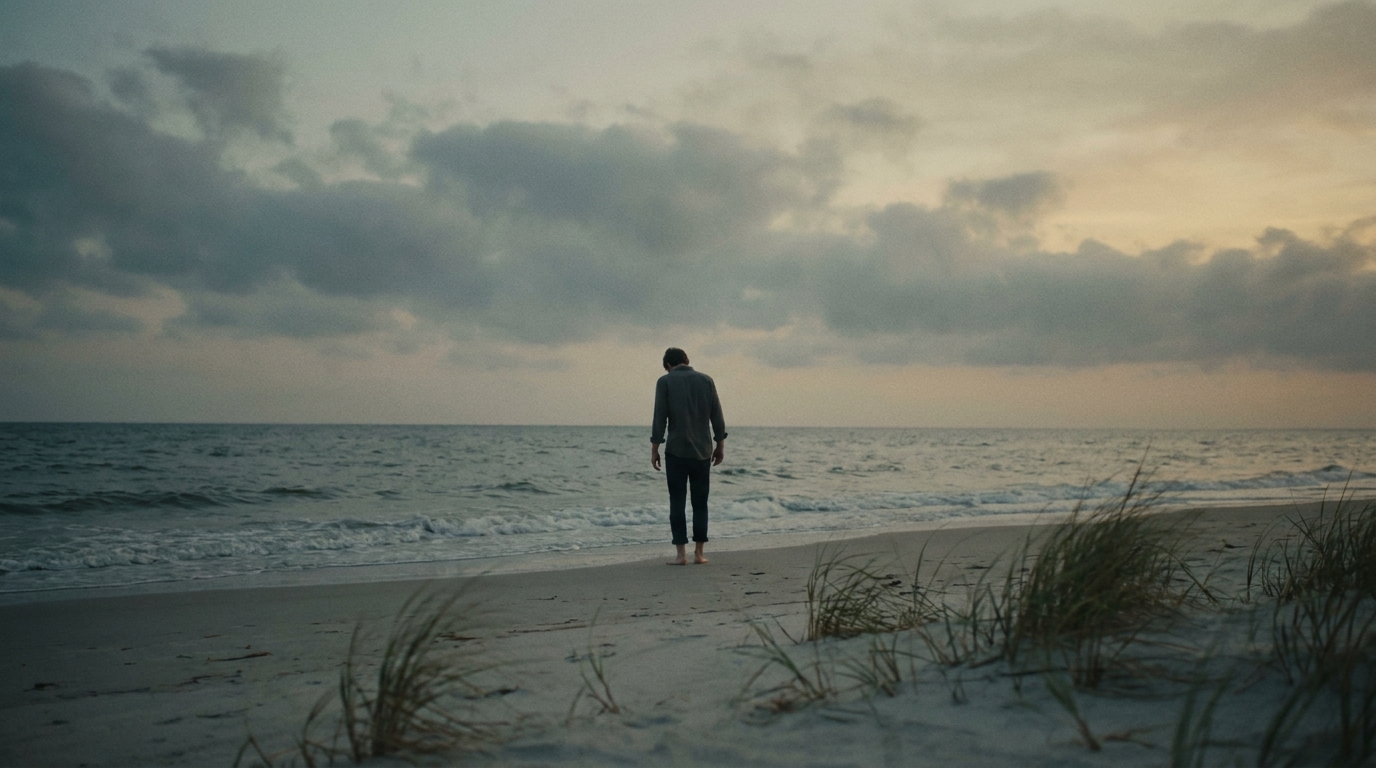
For our first test, we kept things simple.
Generate a person on the beach, the atmosphere is calm sadness and a faint sense of loss.
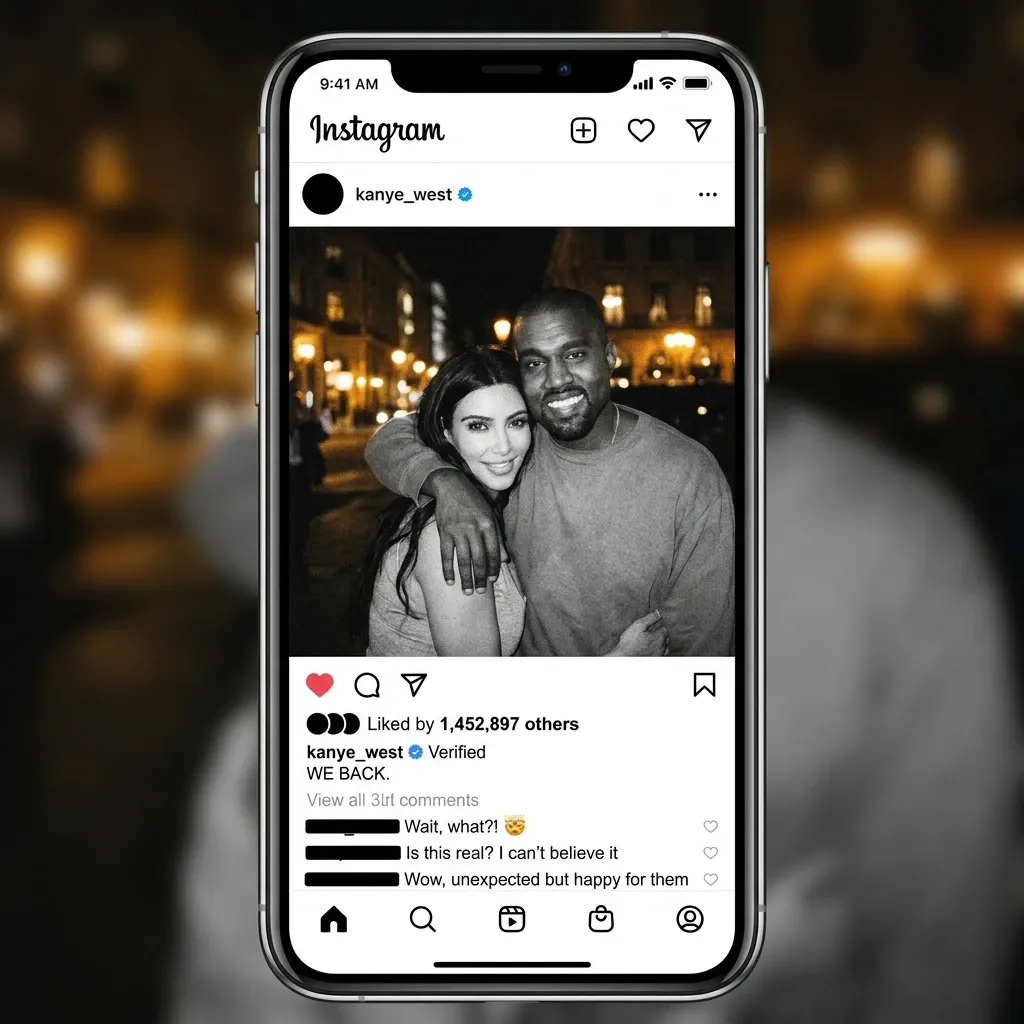
For the second test, we were particularly interested in its ability to render clear and legible text in generated pictures. So we gave it something specific and socially recognizable:
Generate a realistic screenshot of an Instagram post from Kanye West's account. The post is an official announcement that he and Kim Kardashian are back together.
The results were surprisingly convincing. We didn't tell it what text to write, it figured out the format, the tone, and the content on its own. There were some minor slip-ups in the comments section, but for an AI-generated output, it held up well.
For our third test, we pushed the text rendering further, different languages, real-world design context.
A realistic, documentary-style promotional poster for an authentic Cantonese restaurant located on a bustling New York street (like Mott Street in Chinatown). There is a huge logo of the restaurant in the middle of the poster.
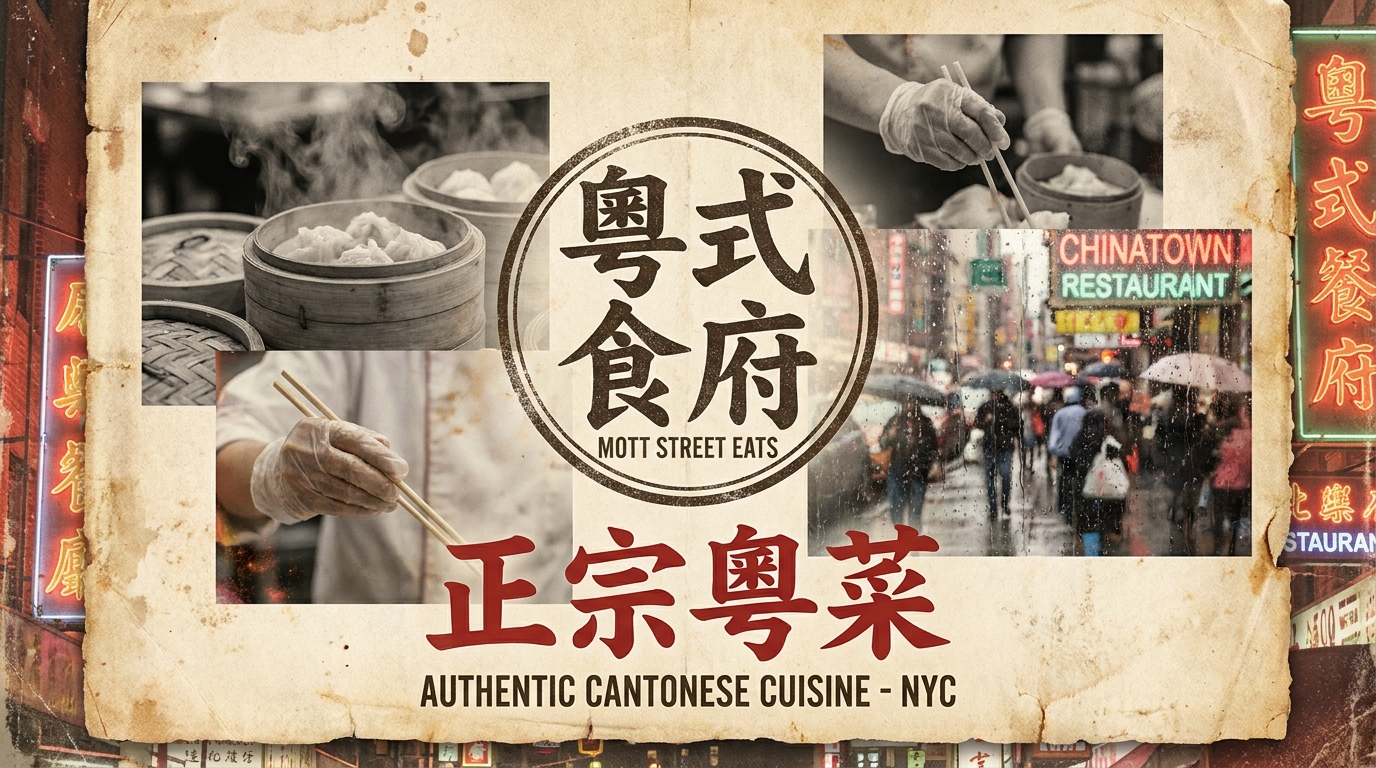
The poster design itself was strong. Some English typography had minor imperfections, but the Chinese pinyin characters came out with accurate spelling, which, frankly, we didn't expect.
For the final test, we handed it a source image and asked it to do something creative with it:
Use the texture of the ice cream in the picture to generate an ice cream mountain range
Ice Cream Texture Source
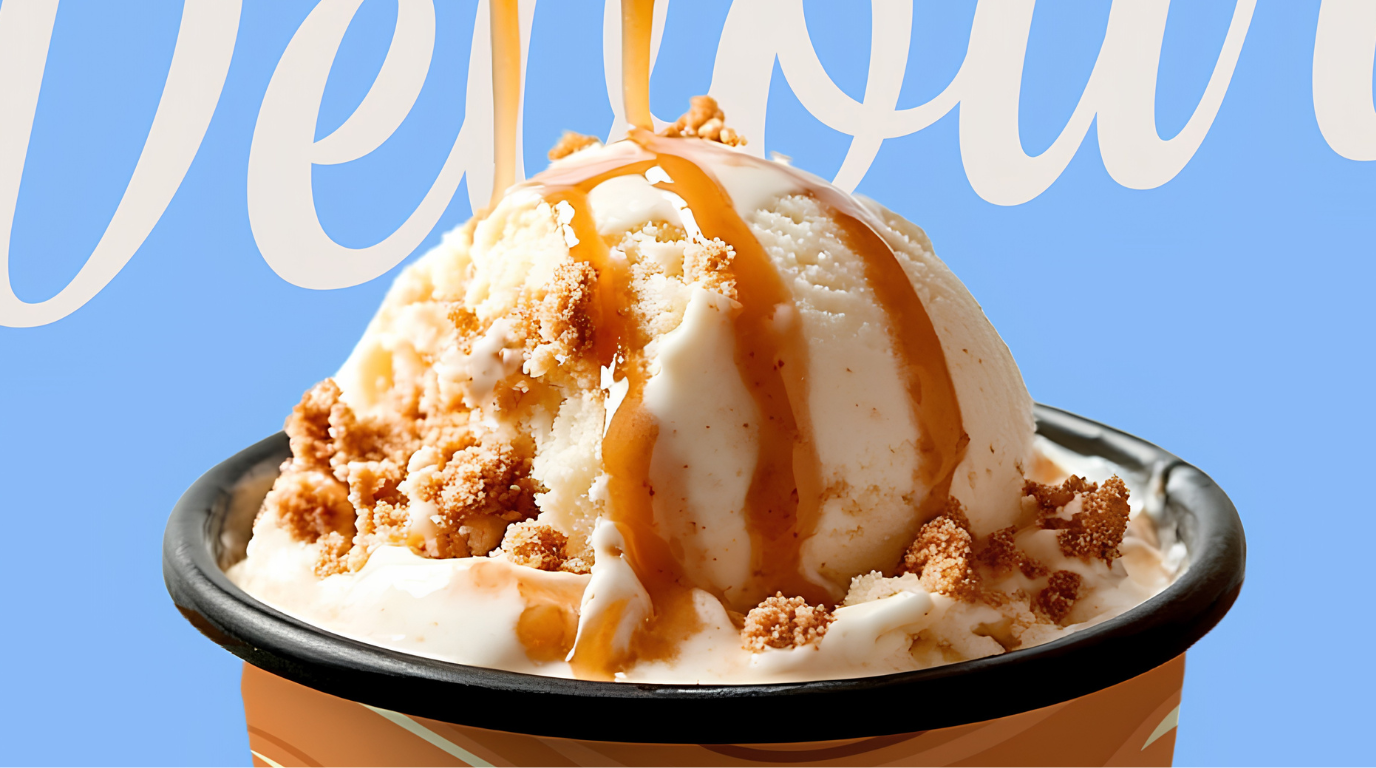
Generated Mountain Range
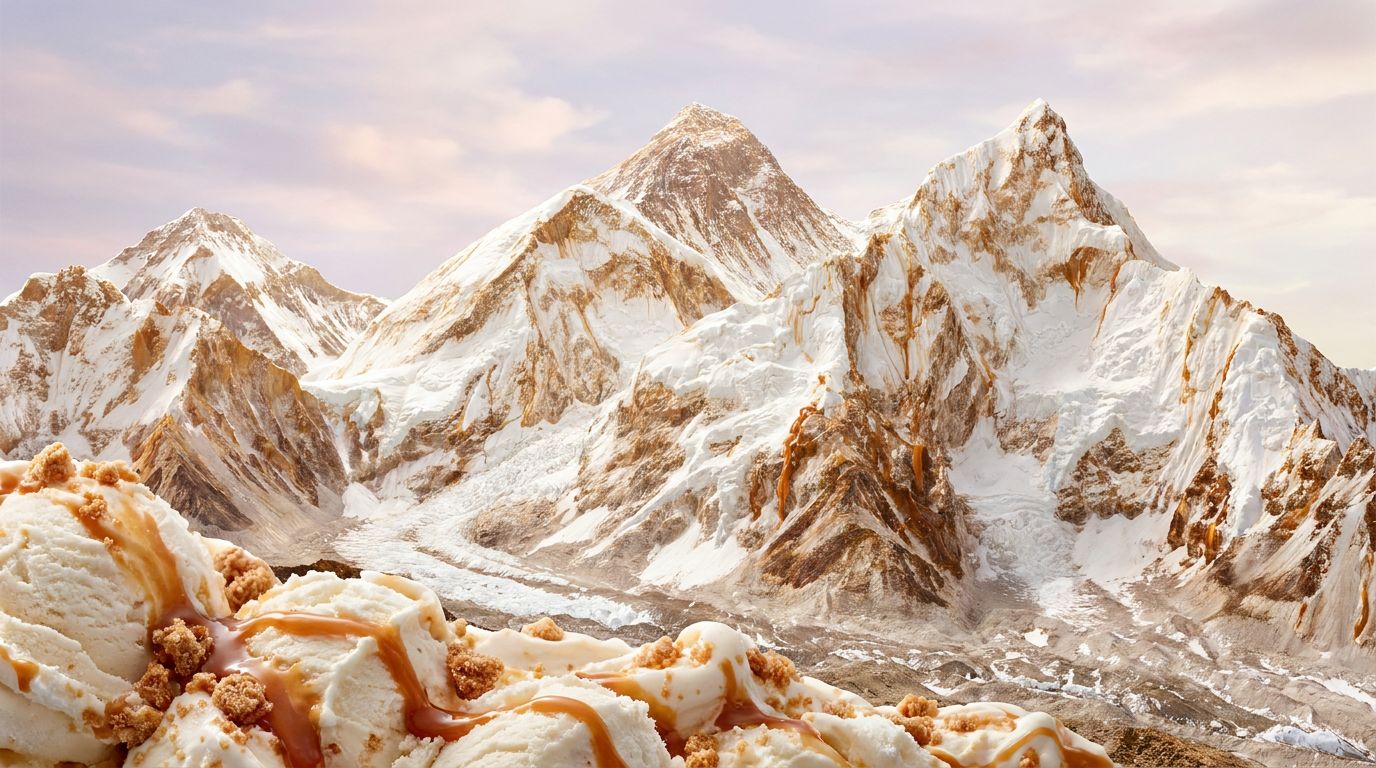
It nailed it. The texture transferred cleanly, the style stayed consistent throughout, and the output matched the brief without us having to over-explain.
Conclusion
The original Nano Banana was solid for everyday use. The Pro version is a different animal, built for more complex work, tighter creative control, and outputs that can hold up professionally.
If you're doing anything beyond basic generation, multilingual design, character consistency, detailed text, UI prototyping, it's worth exploring. You can try Nano Banana Pro directly on Areze AI Creative Studio and see how it fits into your workflow.