Google Veo 3 Review: Our Honest Opinions from Areze AI Creative Studio
Model Reviews · June 15, 2026 · 7 min read
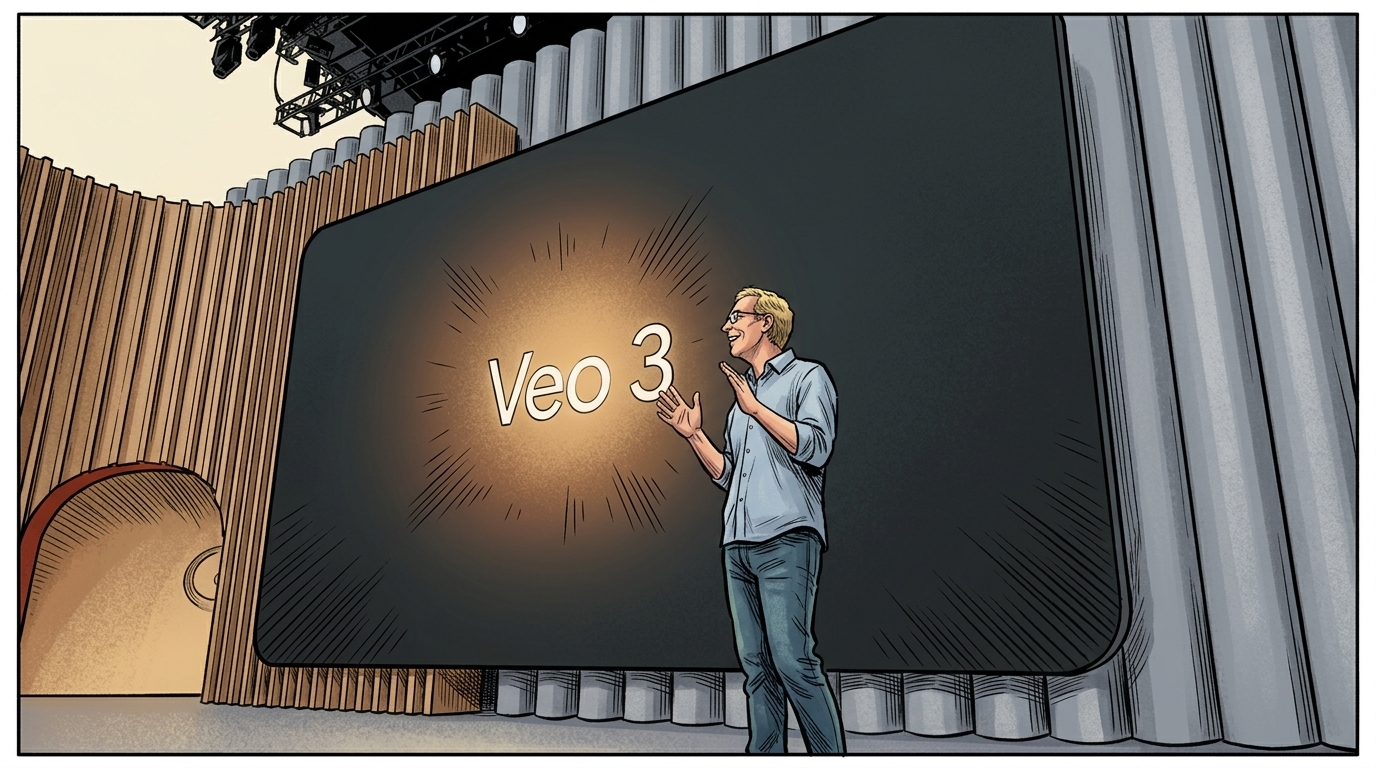
At Areze AI Creative Studio, we recently got our hands on Google Veo 3, Google's another leap in AI video generation, announced at Google I/O on May 20, 2025.
The buzz around it is real. As a team deep in the world of AI video production, here's our honest Veo 3 review.
TL;DR
To put the Veo 3 AI video generator through its paces, we generated a podcast and several concert videos at Areze AI Creative Studio. The results were genuinely impressive, realistic visuals, solid physics, and synced audio all in one pass.
But it's not without its frustrations. Audio and caption generation felt inconsistently controllable, and text rendering was a recurring headache.
✔️ Generates video and audio in one go
✔️ Realistic lip-syncing and sound effects
✔️ High-quality visuals with good physics
✔️ Integrated into Google Flow
❌ Expensive subscription plan
❌ Uncontrolled audio & caption generation
❌ Frequent visible quirks and jumbled text
Video, Audio, Voiceover, Lip Sync, … All in One Go
One of the first things that stood out in our Veo 3 review was how much it compresses into a single generation. What used to require multiple tools and post-production passes now happens in one go.
The audio is where Google Veo 3 really surprised us. Ambient sound, birds, city noise, crowd chatter, layers in naturally and makes scenes feel lived-in rather than generated.
But the standout feature is the lip sync. The dialogue matches character mouth movements so convincingly that it genuinely doesn't look like AI video production at times. That's not something we say lightly.
AI Video Workflow Redefined
This multimodal capability is one of the biggest shifts Google Veo 3 brings to AI video production. The old workflow was a chain of separate steps, generate the video, source a voiceover, add sound effects, sync the lips, then edit it all together.
With Veo 3, you put in a text prompt and it handles the rest. That's a genuinely meaningful change for creators.
Generation Examples
We wanted to see how the Veo 3 AI video generator handles real creative prompts, so we ran four tests at Areze AI Creative Studio.
Test 1: Fake weather news anchor
We asked for a realistic-looking news anchor reporting on a fictional taco invasion sweeping the United States. The result was surprisingly convincing, a few facial distortions here and there, but the lip sync was accurate and the anchor looked lifelike enough to pass a quick glance.
Test 2: Talking gorilla at a football match
This one was pure fun, a realistic gorilla in the stands of an English football match, selfie stick in hand, ranting to his viewers about a bad referee call. The expressions and body language were uncannily natural.
Background distortions were still noticeable, but the character itself was genuinely impressive.
Test 3: Inside a vegetable
We wanted a close-up look inside vegetables sliced in half, a simple, visual concept. Veo 3 followed the prompt reasonably well, but rendered the vegetables with a crystallized texture that killed the realism we were going for.
The ambient sound was actually relaxing though.
Test 4: Titanic time travel sequence
For our most cinematic prompt, we asked for a scene where a woman travels back to April 14, 1912, to warn Titanic passengers of the impending disaster. The execution felt overdramatic, the disappearing sequence was abrupt and unnecessary, and the overall render felt more random than cinematic.
Overall, Google Veo 3 holds up well for most use cases. Prompt adherence and visual consistency aren't perfect, you'll likely need to regenerate occasionally, but the AI video generation quality is high enough that viral-ready content is absolutely within reach.
Google Flow: A Sneak Peek at Next-Gen AI Video Production
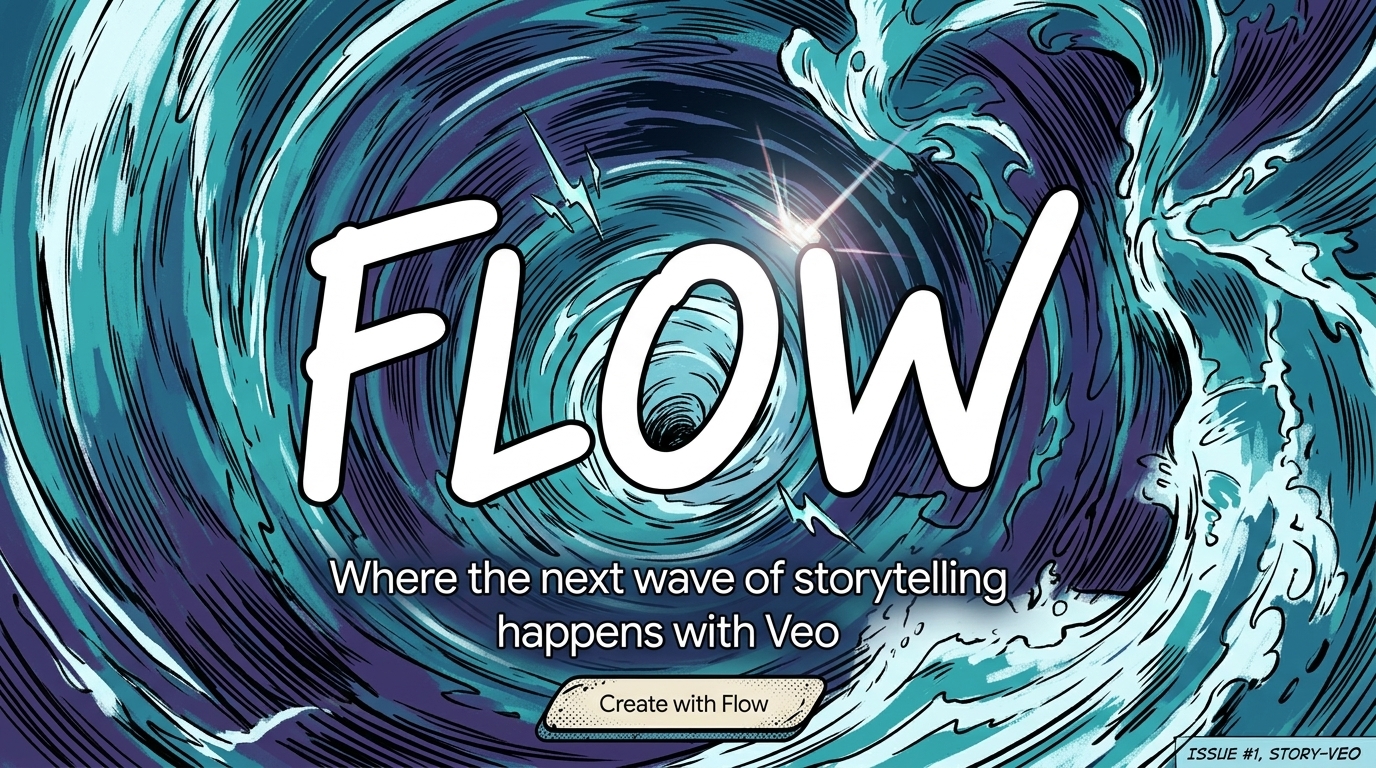
Alongside Google Veo 3, Google released Flow, an AI video storyboard platform that brings together the entire Veo model family with a suite of generation and editing tools.
Storyboard
The storyboard concept isn't new, Sora introduced it first, but the execution left a lot to be desired. Google Flow takes the same idea and actually makes it work. You can place any clip, uploaded or generated through the Veo family, onto a timeline, arrange, trim, and do basic edits. Clean and intuitive.
Smooth Video Extension
The standout feature is extension. Take any 8-second clip, pick a frame, and generate new animation that continues seamlessly from that moment.
What makes it impressive is that Flow seems to analyze the motion trends of the original clip rather than just using a single frame as a reference point, which is why the transitions feel so smooth.
This is a big deal for AI video production. The typical length limit has always been a frustration, and extension effectively breaks through it, letting you build longer, more narrative-driven videos. It's what Sora promised but couldn't quite deliver.
Worth noting though: extension currently only works with Veo 2, not Veo 3.
Impressive, But Inconsistent
As excited as we were about what Google Veo 3 can do, the deeper we went, the more rough edges we found.
Uncontrolled Audio and Captions
Audio and caption behavior felt unpredictable throughout our Veo 3 review. Even when you specify exactly what you want in the prompt, the model doesn't always listen.
We prompted a scene with a girl speaking a specific line of dialogue, explicitly asking for no captions. The video came out completely silent, but with captions. The opposite of what we asked for.
A separate TikTok-style toothbrush promo we tested came out with no sound at all. For a model that markets native audio as a headline feature, this inconsistency is hard to ignore.
Quirks & Glitches
The AI video generator also threw up some genuinely strange outputs. In a laptop unboxing prompt, instead of showing someone removing a laptop from a box, the cardboard box literally morphed into a laptop. These kinds of physics and logic errors were present in Veo 2 as well, and it's disappointing to see them carry over.
Sound quality also needs work. Most effects land fine, but a few sounded off in ways that were subtle but noticeable on close listen.
Jumbled Text
Text generation is a recurring weak spot across AI video production tools, and Veo 3 is no exception. Captions came out jumbled and full of misspellings more often than we'd like.
Combined with the fact that you can't fully control when captions appear, it means you may need several regenerations just to get clean text output.
Pricey Access
This might be the biggest barrier for most creators. Google Veo 3 is currently locked behind Google's Ultra plan at $249.99 per month, a steep ask for indie creators or anyone who just wants to experiment. Hopefully Google opens up more affordable access tiers down the line.
For now, platforms like Areze AI Creative Studio offer a more accessible way to work with leading AI models without committing to a single costly subscription.
Explore Areze AI Creative Studio for Advanced AI Video Tools
If Google Veo 3 has caught your attention but the $249.99 price tag hasn't, Areze AI Creative Studio is worth a look. As an official Google Cloud partner, Areze gives you direct access to Veo 3's capabilities without locking you into a single expensive plan.
Beyond Veo 3, you can seamlessly switch between leading AI models including Veo 3.1, Vidu, Hailuo, Kling, and PixVerse, all from one platform. No juggling subscriptions, no switching tools mid-project.
Areze AI Creative Studio also comes loaded with native video tools: image-to-video AI, text-to-video AI, reference-to-video, video-to-video AI, and a range of creative AI video effects. Everything you need for serious AI video production in one place. Get started with Areze today!
Final Thoughts
Veo 3 is a genuine leap forward for AI video generation. The ability to handle video, audio, and lip sync in a single pass is the kind of workflow shift that actually changes how creators work, and Google Flow's extension feature hints at where longer-form AI video production is heading.
That said, our Veo 3 review wouldn't be complete without acknowledging the gaps. Audio and caption control is unpredictable, text generation is still messy, and the pricing puts it out of reach for a lot of creators. These aren't dealbreakers, but they're real limitations worth knowing before you commit.
Google will likely iron these out over time. In the meantime, Areze AI Creative Studio keeps you ahead of the curve, with access to Veo 3 and the full landscape of leading AI models, all in one place.