How to Generate Realistic Human Videos with Areze AI
Tutorials · May 25, 2026 · 4 min read
Realistic human videos have quietly become one of the most powerful tools in a creator's arsenal, letting you build lifelike characters and cinematic scenes without hiring a single actor or lugging around camera gear.
And as audiences get pickier about visual quality, the gap between "looks real" and "looks cheap" is starting to matter more than ever. This guide walks you through how to actually use AI to generate realistic human videos, so your content stops blending into the feed.
What is an AI Human Video?
An AI human video is exactly what it sounds like, a digitally created video of a person that looks and moves like the real thing. We're talking realistic facial expressions, natural body movement, and skin texture that doesn't scream "computer-generated."
For creators, that's a big deal. No camera, no actors, no studio, just a prompt and a few minutes. It's why so many people are using this tech to run faceless YouTube channels, shoot ads, and tell stories in ways that would've cost a fortune to film traditionally.
How to Generate Realistic Human Videos with Areze
Areze keeps the process straightforward, no technical background needed. Here's how to go from idea to finished video:
Step 1: Describe Your Human Character in Detail
Head to the Text to Video generator and type your concept into the prompt box. The more specific you are, the better your result.
A prompt like this works well: "A cinematic medium shot of a professional woman in a modern office, soft natural lighting, realistic skin texture, blinking and smiling naturally at the camera." Details like lighting, setting, and movement cues make a real difference in how lifelike the output looks.
Step 2: Set Your Video Length and Shot Framing
Pick your video length, Areze supports up to 15s per generation. Then choose an aspect ratio based on where you're posting:
9:16 for TikTok and Instagram Reels
16:9 for YouTube or presentations
Step 3: Configure Privacy and Launch Generation
Before you hit create, decide who can see your video. Toggle public visibility on if you're okay with it showing up in the gallery, or leave it off to keep it to yourself.
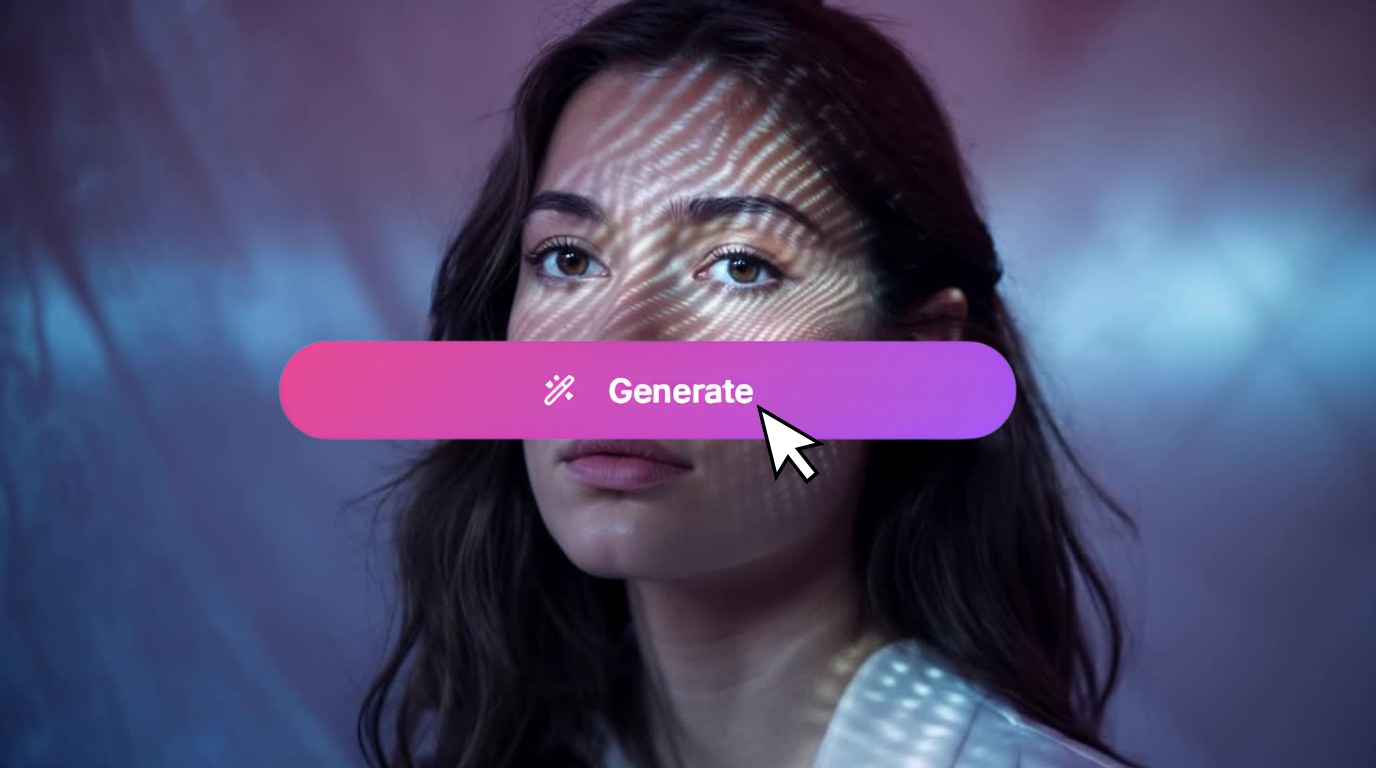
When you're ready, click Generate. Areze will handle the rest and deliver a finished video ready to download and share.
Use Cases for Realistic AI Humans
Digital Influencing: Build an AI influencer persona that can post consistently, no burnout, no off days, no scheduling headaches.
Corporate Training: Create training videos with realistic avatars that walk employees through processes step by step, more engaging than a slideshow, cheaper than hiring talent.
Personal Branding: Add polished, cinematic human clips to your videos to give your brand a more professional, trustworthy feel.
Other Areze AI Tools Worth Trying
Realistic humans are just one piece of what Areze offers. Here's what else is in the toolkit:
Viral Video Generation: Built specifically for short-form content, just describe what you want and it spits out videos already optimized for TikTok, Reels, and Shorts. No resizing or reformatting needed.
Mimic: Feed it a reference and the AI replicates the style, look, or persona. Useful for staying on-brand or building content around a specific aesthetic without starting from scratch every time.
Consistent Character: Keeps your AI character looking exactly the same across multiple images or scenes. If you're building a series or running an ongoing persona, this is what stops your character from looking like a different person in every video.
Conclusion
Big-budget production used to be the price of entry for high-quality video. AI has changed that, and realistic human video generation is one of the most useful tools to come out of that shift.
Whether you're running a solo channel or building something bigger, Areze gives you the quality and speed to produce content that actually looks like you meant it. Give it a try and see what you can make.